The Complete Laravel + Claude Code Ecosystem: Every Tool, Plugin, and Config You Actually Need
The Laravel + Claude Code ecosystem has exploded. Here's the full map so you stop guessing what goes where.
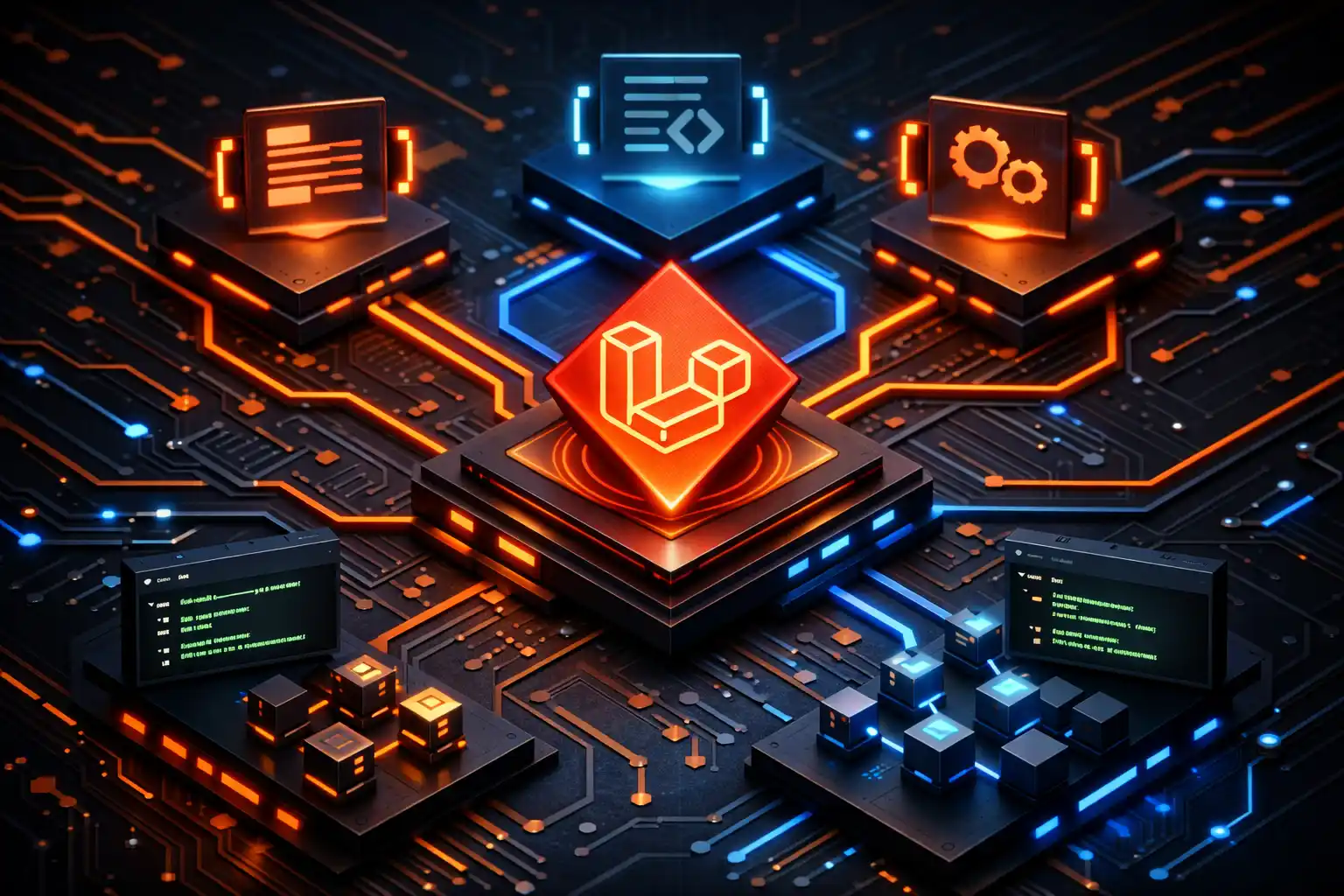
There are now over 9,000 Claude Code plugins. Laravel has an entire "AI" section in its official docs. Taylor Otwell shipped an official Claude Code plugin marketplace. And you're probably still working with a half-written CLAUDE.md file you copied from a Reddit thread three months ago.
Don't feel bad. The ecosystem has exploded so fast that even daily users can't keep track of all the pieces. This post is the map. Not another "here's my personal setup" walkthrough, but the definitive reference for what exists, how it all connects, and what you actually need.
The Ecosystem at a Glance
Before we get into details, here's the full picture. Five layers, each solving a different problem:
Layer 1: Laravel Boost gives your AI agent eyes into your specific application.
Layer 2: CLAUDE.md and .claude/ teach the agent your project's rules and patterns.
Layer 3: Official plugins provide curated Laravel-specific agents.
Layer 4: Community plugins extend everything with battle-tested skills and workflows.
Layer 5: MCP servers connect Claude Code to external tools.
Every layer is optional. But the more you stack, the better Claude understands your project.
Layer 1: Laravel Boost (The Foundation)
If you install nothing else, install Boost. It's the single biggest upgrade you can make to your Claude Code workflow.
Boost is an MCP server built into Laravel that gives AI agents direct access to your application internals. It ships with over 15 specialized tools and a documentation API containing over 17,000 pieces of Laravel-specific knowledge. That last part is important. When Claude needs to look up how belongsToMany works in your exact Laravel version, it doesn't hallucinate from stale training data. It queries Boost's API and gets accurate, version-specific results.
Installation
composer require laravel/boost --dev
php artisan boost:install
The installer auto-detects your IDE and generates the right config files. For Claude Code specifically, it creates a .mcp.json in your project root and generates a CLAUDE.md with your project's conventions. It also supports Cursor, Codex, Gemini CLI, GitHub Copilot, and Junie.
Boost works with Laravel 10, 11, and 12 running PHP 8.1 or higher. So even if you're maintaining an older project, you can still get the benefits.
What Boost Actually Gives You
After Boost is installed, Claude can inspect your database schema, query your routes and middleware, execute artisan commands, check your installed packages and PHP version, and search 17,000+ pieces of version-specific Laravel documentation. Instead of you manually explaining your project structure, Claude reads it directly. If you're building AI-powered features with Laravel's AI SDK, Boost's documentation search becomes even more valuable since it knows your exact package versions. That alone eliminates half the back-and-forth in a typical session.
Boost's Three Pillars: Guidelines, Skills, and Tools
Boost isn't just an MCP server. It provides three categories of context:
AI Guidelines are composable instruction files loaded upfront. They give the agent core conventions and best practices for Laravel ecosystem packages. Think of them as "always-on" context. Boost includes guidelines for Laravel core, Livewire, Filament, Inertia, and more, and they're version-aware.
Skills are activated on-demand when working on specific tasks. Need to build a Livewire component? The Livewire skill loads with detailed patterns for that domain. Skills reduce context bloat because they only load when relevant.
MCP Tools are the runtime capabilities: database queries, route inspection, artisan commands, docs search. These are what the agent calls during execution.
When you run boost:install, it detects your composer.json and auto-installs the right guidelines and skills for your stack. Running Livewire and Pest? You get Livewire development guidelines and Pest testing skills automatically.
Custom Guidelines and Skills
You can extend Boost with your own project-specific context. Custom guidelines go in .ai/guidelines/ and custom skills go in .ai/skills/{skill-name}/SKILL.md. Run boost:update and your custom additions install alongside the built-ins.
You can even override Boost's defaults. Create .ai/skills/livewire-development/SKILL.md and Boost uses yours instead of the built-in Livewire skill. Third-party package authors can include Boost skills too, so the ecosystem grows from both framework and package level.
Layer 2: CLAUDE.md and the .claude/ Directory
This is where you teach Claude your project's personality. Boost gives it Laravel knowledge. This layer gives it your knowledge.
CLAUDE.md: Your Project's README for AI
The CLAUDE.md file sits in your project root. It's the first thing Claude Code reads when starting a session. Think of it as a README, but written for an AI agent instead of a human.
A good CLAUDE.md covers:
# Project Name

## Architecture
- Laravel 12 + Livewire 3 with Filament admin
- Service/action pattern for business logic
- Controllers stay thin, models stay fat

## Conventions
- Validation through Form Requests
- Tests use Pest, not PHPUnit
- Pint before every commit
- API responses always use API Resources

## Don't
- No env() outside config files
- No raw SQL unless absolutely necessary
- No global helpers
Keep it concise. Every word in CLAUDE.md competes for context window space. If you're writing paragraphs of explanation, you're doing it wrong.
Pro tip: Boost generates an initial CLAUDE.md for you during boost:install. Start with that and customize it. Don't write from scratch.
The .claude/ Directory: Automation and Reusable Behavior
While CLAUDE.md holds human-readable project memory, the .claude/ directory holds automation. Here's the standard structure:
.claude/
├── settings.json      # Permissions and tool access
├── hooks/             # Scripts that run on events
│   └── session-start.sh
├── commands/          # Slash commands (like /test, /lint)
│   ├── test.md
│   └── lint.md
├── rules/             # Detailed coding standards
│   ├── php-standards.md
│   └── testing.md
└── skills/            # Custom Claude Code skills
    └── my-project/
        └── SKILL.md
Settings.json controls what Claude can and can't do. Start restrictive and loosen as needed.
Hooks run automatically on events. Some developers use post-edit hooks to catch common mistakes like missing $fillable or leftover dd() calls. If your project runs in Docker, hooks can route artisan commands through containers automatically.
Commands are slash commands like /test or /lint that save you from typing the same instructions every session.
Rules are detailed coding standards pulled into CLAUDE.md via @rules/ imports. This keeps CLAUDE.md lean while your standards live in maintainable separate files.
The Key Insight: CLAUDE.md vs .claude/ vs .ai/
Three directories hold AI-related config, and they serve different purposes:
CLAUDE.md + .claude/ is Claude Code's native system. Works regardless of framework. Project memory, hooks, commands, and skills live here.
Boost's .ai/ directory is Laravel-specific. Custom guidelines and skills go here. They get merged with Boost's built-ins on boost:update.
Rule of thumb: project-level decisions go in CLAUDE.md. Laravel coding patterns go in .ai/. Automation goes in .claude/. All generated files can go in your .gitignore since boost:install regenerates them. If you want to compare changes across versions, a diff checker helps spot what changed.
Layer 3: Official Laravel Plugins
In January 2026, Taylor Otwell did something quietly significant. He ported Anthropic's code-simplifier agent to Laravel and created the first official Laravel plugin marketplace for Claude Code.
The laravel-simplifier Plugin
Installation is two commands:
/plugin marketplace add laravel/claude-code
/plugin install laravel-simplifier@laravel
The simplifier is a behavior-preserving cleanup agent. After a long coding session where Claude has been implementing features, you run the simplifier and it cleans everything up: reduces nesting, removes temporary variables that survived debugging, aligns code with Laravel conventions, and simplifies conditionals. It never changes what your code does, only how it reads.
The workflow fits naturally at the end of any session: build the feature, run tests, ask Claude to use the simplifier on recent changes, then commit. Clean diffs every time.
This version understands Laravel conventions, PHP idioms, and framework-specific patterns. It knows a Form Request is idiomatic and a fat controller isn't.
Why This Matters Beyond the Plugin Itself
The plugin itself is useful but small. The bigger signal is that laravel/claude-code is now an official Laravel organization repository. Right now it ships one plugin. But the infrastructure is there for more.
Layer 4: Community Plugins and Configs
This is where it gets interesting. The community has been building faster than the official ecosystem, and some of these projects are production-tested across real applications.
superpowers-laravel
Built by JP Caparas, superpowers-laravel is a full Claude Code plugin for Laravel development. It brings slash commands for brainstorming, planning, and TDD, but the real value is in skills that activate automatically. Working on a feature? The TDD skill kicks in. Debugging? The systematic-debugging skill loads. About to ship? Verification runs.
It includes Laravel-specific guidance for Sail vs non-Sail environments, Pest/PHPUnit patterns, queues and Horizon, quality gates (Pint, PHPStan), and architectural patterns.
/plugin marketplace add jpcaparas/superpowers-laravel
/plugin install superpowers-laravel@superpowers-laravel-marketplace
everything-claude-code
Created by Affaan Mustafa (an Anthropic hackathon winner), everything-claude-code is a comprehensive config collection that goes beyond Laravel. It includes specialized agents for planning, architecture, TDD, code review, and security analysis. It also ships AgentShield, a security scanner that audits your Claude Code configuration for vulnerabilities. The standout feature is its instinct-based continuous learning system that lets Claude build confidence scores and evolve its approach to your coding patterns over time.
laravel-claude-code-setup
A one-command installer that configures Claude Code with your entire Laravel dev ecosystem: GitHub integration, Context7, Figma, database tools, and more. The fastest path from zero to fully configured.
When to Use What
Start with Boost. It's official, maintained by the Laravel team, and gives you 80% of what you need.
Add laravel-simplifier for cleanup. Small, focused, worth it.
Pick ONE community plugin based on your workflow. superpowers-laravel for Laravel-specific skills, everything-claude-code for broader tooling with security scanning. Don't install both. They overlap, and stacking plugins bloats your context window.
Layer 5: MCP Servers Beyond Boost
Boost handles Laravel-specific tooling beautifully. But real projects need more than framework knowledge. MCP servers fill the gaps.
Context7: Live Documentation Access
Context7 gives Claude access to up-to-date documentation for packages outside the Laravel ecosystem. I covered MCP servers in detail in my post about Laravel Boost, so I won't repeat everything here.
MCP Tool Search: The Feature Nobody Talks About
Every MCP server you install adds tool definitions to Claude's context window. Install ten servers and you burn thousands of tokens before Claude even starts working. MCP Tool Search fixes this with lazy loading, reducing context usage by up to 95%. Claude discovers tools on demand instead of loading everything upfront. This makes running multiple MCP servers actually practical.
Essential MCP Servers for Laravel Projects
Beyond Boost, the MCP servers worth considering: GitHub MCP for PR management and code review workflows (critical if you're doing developer-driven AI instead of vibe coding), Browser DevTools MCP for frontend debugging (especially with Livewire or Inertia), and Context7 for live documentation of third-party packages Claude hasn't seen in training.
You can validate your .mcp.json configuration with a JSON formatter to catch syntax issues before debugging connection problems.
The "What Goes Where" Decision Framework
This is the part I wish someone had written before I started configuring all of this. Here's a clear framework for what belongs in each layer:
In CLAUDE.md:
- Project architecture overview (keep it under 50 lines)
- Naming conventions and patterns
- What to avoid (anti-patterns specific to your project)
- References to
.claude/rules/for detailed standards
In .claude/ directory:
- settings.json for permissions
- Hooks for automation (Pint on save, Docker routing, mistake detection)
- Slash commands for repetitive tasks
- Rules files for detailed coding standards
In .ai/ directory (Boost):
- Custom Laravel guidelines
- Custom skills for your project's domain
- Overrides for built-in Boost skills
In .mcp.json:
- Boost MCP server config
- Additional MCP servers (Context7, GitHub, etc.)
In plugins:
- laravel-simplifier for cleanup
- One community plugin if your workflow needs it
Getting Started: Three Paths
Not everyone needs every layer. Here's what I'd recommend based on where you are:
Path 1: Quick Start (15 minutes)
You just want Claude Code to be better at your Laravel project. Do this:
# Install Boost
composer require laravel/boost --dev
php artisan boost:install

# Install the simplifier
/plugin marketplace add laravel/claude-code
/plugin install laravel-simplifier@laravel
Edit the generated CLAUDE.md with your project's conventions. Done. This gets you 80% of the value with 15 minutes of work.
Path 2: Production Setup (1-2 hours)
You're working on a real product and want Claude to match your team's patterns. Do Path 1 first, then: create custom skills in .ai/skills/ for your domain, add hooks for auto-formatting and mistake detection, set up slash commands for common tasks, add Context7 MCP for third-party docs, and configure settings.json with appropriate permissions.
Path 3: Full Ecosystem (Half a day)
You're a team lead setting up Claude Code for your entire team. Do everything from Path 2, plus install a community plugin (superpowers-laravel or everything-claude-code), add GitHub MCP for PR workflows, set up AgentShield security scanning, and document your configuration in a team README. Share the .claude/ directory so everyone works with the same standards.
The important thing is to start somewhere. Boost alone is a massive improvement over bare Claude Code. Everything else is incremental.
FAQ
Can I use Boost with Laravel 10 or 11, or only 12?
Boost works with Laravel 10, 11, and 12 running PHP 8.1+. You don't need to be on the latest version.
Do I need Claude Code specifically, or does this work with Cursor?
Boost supports multiple agents: Claude Code, Cursor, Codex, Gemini CLI, GitHub Copilot, and Junie. The plugins layer (laravel-simplifier, superpowers-laravel) is Claude Code specific.
Won't all these plugins and MCP servers slow Claude down?
They can. MCP Tool Search (lazy loading) helps a lot by only loading tool definitions when needed. My advice: start minimal and add things when you actually hit a limitation. Don't install 15 MCP servers on day one.
Should I commit CLAUDE.md and .mcp.json to git?
It depends on your team. Boost's docs suggest adding them to .gitignore since they're regenerated by boost:install. But if your team wants consistent AI behavior, committing them (minus sensitive tokens) makes sense.
What's the difference between a Claude Code skill and a Boost skill?
Claude Code skills live in .claude/skills/ (Claude Code's native system). Boost skills live in .ai/skills/ (managed by Laravel Boost). Same purpose, different systems. If you're using Boost, prefer .ai/skills/ so boost:update keeps things in sync.
Wrapping Up
The Laravel + Claude Code ecosystem is the most complete AI-assisted development setup for any web framework right now. Laravel's conventions give AI agents a structural advantage, and Boost, plugins, and MCP servers turn that advantage into real productivity gains.
Start with Boost. Add the simplifier. Customize your CLAUDE.md. Stop using that copy-pasted config from Reddit.
If you're building something with Laravel and want a developer who understands both the framework and the AI tooling around it, let's talk.

About Hafiz
Senior Full Stack Developer. I build production software with Laravel, Filament, Vue, and AI integrations, and write about the real decisions behind shipping it.
Get in touch →Get web development tips via email
Join 50+ developers • No spam • Unsubscribe anytime
Related Articles
Laravel Boost and MCP Servers: The Context Your AI Agent is Missing
Your AI agent doesn't write bad Laravel code because it's dumb. It writes bad co...
Laravel Skills Directory: How to Use AI Agent Skills (And Build Your Own)
Laravel Skills is a new open directory of 96+ reusable AI agent skills. Here's h...

How to Stop an AI Agent from Destroying Your Laravel App
An AI coding agent deleted a production database in 9 seconds last week. Here ar...