Stop Vibe Coding Your Production Apps: A Case for Developer-Driven AI
Vibe coding is great for prototypes. But your production app deserves better. Here's the framework I use instead.
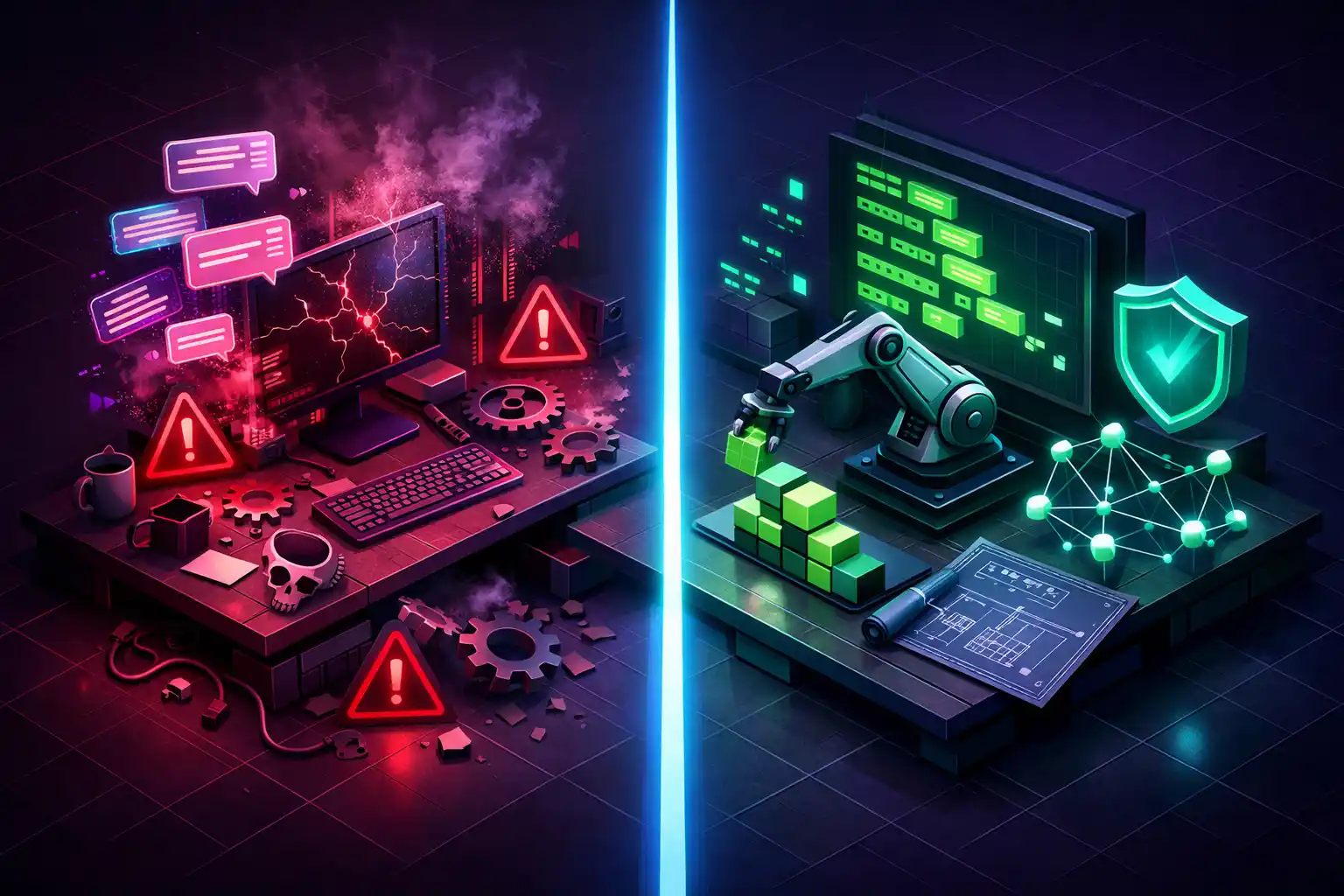
I watched a developer build an entire SaaS in 45 minutes last month. He described what he wanted in plain English, hit enter, and watched the code materialize. It was impressive. It was also completely unusable in production.
The authentication had no rate limiting. The database queries would have melted under 50 concurrent users. And the Stripe integration was using a deprecated API that would stop working in three months.
This is the promise and the problem with vibe coding in 2026.
Don't get me wrong. I use AI to write code every single day. I've shipped multiple production Laravel apps with heavy AI assistance. But there's a massive difference between letting AI generate code while you scroll Twitter and actually driving the AI toward production-quality output.
I call the second approach developer-driven AI. And after building SaaS products, Chrome extensions, and client MVPs over the past year, I'm convinced it's the only way to ship AI-assisted code that doesn't blow up in your face.
What Vibe Coding Actually Means (and Why People Get It Wrong)
Andrej Karpathy coined the term in February 2025, and people have been misusing it ever since.
Here's what he actually said: you describe what you want, accept the AI's output without really reading it, and when errors pop up, you just paste them back into the chat. The code grows beyond your comprehension. You don't debug, you just keep prompting until things work.
Karpathy himself called it suitable for "throwaway weekend projects." Not production apps. Not client work. Not your startup.
But somewhere between that tweet and Collins Dictionary naming it Word of the Year 2025, the definition got stretched. Suddenly, every company using Cursor or Claude Code was "vibe coding." Books with "vibe coding" in the title started promising production-grade workflows. Simon Willison actually called this out, pointing to two publishers who fundamentally misunderstood the term.
So let's be precise. There's a spectrum here, and where you sit on it determines whether your app survives contact with real users.
The AI-Assisted Development Spectrum
Think of it as three zones:
Pure Vibe Coding is what Karpathy described. You prompt, you accept, you don't review. The AI is the developer. You're the person with the idea.
AI-Assisted Development is the middle ground. You write some code, AI writes some code, you review. Most developers using Copilot or Cursor live here.
Developer-Driven AI flips the relationship. You're the architect setting constraints before the AI writes a single line. Which patterns to follow, which packages to use, how to structure the code. The AI is your fast pair programmer, not your replacement.
The difference? "Build me a login system" versus "implement authentication using Laravel Sanctum with rate limiting at 5 attempts per minute, using the existing User model's email field, and write feature tests covering the happy path plus three edge cases."
One gets you a working demo. The other gets you production code.
Why Vibe Coding Breaks in Production
I'm not being dramatic here. The data is brutal.
The Veracode 2025 GenAI Code Security Report analyzed over 100 LLMs across 80 coding tasks. Their finding: 45% of AI-generated code introduces security vulnerabilities. Not minor style issues. Actual exploitable flaws.
A December 2025 CodeRabbit analysis of 470 open-source GitHub pull requests found AI co-authored code had 2.74 times more security vulnerabilities than human-written code. And a separate Tenzai study tested five popular vibe coding tools across 15 applications, finding 69 vulnerabilities including half a dozen rated critical.
But here's the one that really stings. The METR study from July 2025 found experienced developers were 19% slower with AI tools, despite believing they were 20% faster. We're not just writing worse code with AI. We can't even tell.
Remember Enrichlead? The founder bragged that 100% of the platform was written by Cursor AI. Days after launch, security researchers found it riddled with basic vulnerabilities.
Developer-Driven AI: How It Actually Works
So what does the better approach look like in practice? Let me walk through how I actually build production Laravel apps with AI assistance.
Step 1: Set the Rules Before You Start
The single biggest difference between vibe coding and developer-driven AI is that you establish constraints first. Before the AI writes anything, it needs to know your project's rules.
In Laravel, this means creating a guidelines file. If you're using Laravel Boost, it generates these automatically based on your installed packages. But even without Boost, you can create a CLAUDE.md or .cursorrules file that tells the AI:
## Project Rules
- Use Laravel Sanctum for authentication (not Passport)
- All database queries must use Eloquent, no raw DB calls
- Run PHPStan level 6 after every change
- Every new feature needs a Feature test
- Use form requests for validation, never validate in controllers
- Follow the repository pattern for complex queries
This isn't optional. This is the difference between "build me an auth system" producing 15 different architectural approaches and the AI consistently generating code that fits your existing codebase.
Step 2: Think Small, Prompt Specific
Vibe coders ask for entire features in one prompt. Developer-driven AI breaks everything into small, verifiable pieces.
Instead of "build a subscription billing system," you work through it step by step:
- "Create a migration for a subscriptions table with user_id, stripe_subscription_id, plan, status, and trial_ends_at columns. Add the appropriate indexes."
- "Create a Subscription model with the relationships and a scopeActive query scope."
- "Write the webhook handler for customer.subscription.created using the Stripe event format. Include signature verification."
Each step is small enough that you can actually review what the AI produces. You can run the migration, check the indexes, verify the relationship. You're not hoping the AI got a 500-line feature right. You're confirming 20 lines at a time.
This is exactly how Jeffrey Way demonstrated it in his recent AI workflows walkthrough on Laracasts. Break the feature down. Be explicit about what you want. Verify each piece before moving on.
Step 3: Use Tests as Your Safety Net
This is where developer-driven AI really separates itself. You make the AI prove its own work.
Before I accept any significant AI-generated code, I either write the test first or ask the AI to generate tests alongside the implementation. Then I actually run them.
// I'll tell the AI: "Write a feature test that verifies:
// 1. Authenticated users can create a subscription
// 2. Unauthenticated users get a 401
// 3. Users with an existing active subscription get a 409
// 4. Invalid plan names return a 422"
If the tests pass, great. If they don't, I know exactly where the problem is. And here's what most people miss: when you ask the AI to write tests, you force it to think about edge cases it would otherwise ignore. The act of requesting tests improves the implementation itself.
Step 4: Provide Context, Not Just Instructions
The biggest reason AI-generated code goes sideways is missing context. The AI doesn't know you're using Spatie permissions, or that your API needs multi-tenancy, or that every model scopes by company_id.
This is where MCP servers and Laravel Boost become genuinely useful. They give the AI access to your database schema, installed packages, and project documentation.
Even without fancy tooling, you can provide context manually:
Context: This app uses Spatie multi-tenancy with
separate databases per tenant. All models extend
the TenantModel base class. The current tenant is
resolved via subdomain middleware.

Task: Create a report generation feature that
pulls monthly usage data for the current tenant.
More context means less guessing. And guessing is where bugs live.
The Telegram Bot Story: Vibe Coding vs Developer-Driven AI in Action
Let me give you a real example that perfectly illustrates the difference.
Say you want to build a Telegram bot in PHP. You go to Claude or ChatGPT and say: "Build me a Telegram bot in PHP that responds to commands."
In pure vibe coding mode, the AI will probably generate a solution that uses a raw HTTP client to hit the Telegram API. It'll set up polling, manually parse updates, handle webhook verification from scratch, and build a command routing system. You'll get 300+ lines of boilerplate, maybe a custom webhook handler, and an architecture that technically works but is a nightmare to maintain.
In developer-driven mode, you do some research first. You know that Nutgram exists. It's a well-maintained, Laravel-friendly Telegram bot framework that handles all the plumbing. So instead you prompt:
Use the Nutgram package for a Telegram bot.
Register three commands: /start, /help, and /status.
The /status command should query the App\Models\Monitor
model for the latest system check. Use Laravel's
service container to inject dependencies.
Same result from the user's perspective. But the developer-driven version uses a maintained package with an active community, proper Laravel integration, dependency injection, and about 80% less code to maintain.
The vibe coder got a working bot. The developer-driven approach got a production bot.
This is the pattern over and over again. The AI doesn't know which packages are well-maintained, which approaches are idiomatic for your framework, or what's going to be a maintenance headache in six months. That's your job. You bring the judgment, the AI brings the speed.
Where Vibe Coding Actually Makes Sense
I'd be a hypocrite if I said I never vibe code. I do it regularly. Just not for production apps.
Internal tools nobody else will use. I needed a script to parse my Google Search Console data and flag declining posts. Pure vibe coding. Runs on my machine, processes a CSV, and if it breaks I'll just re-prompt.
Prototypes to validate an idea. Before committing to a full feature, I'll sometimes vibe code a rough version to see if the concept works. This throwaway code never touches production.
Personal utilities. Browser extensions for my own use, shell scripts, data transformation tools. The JSON formatter on my site started as a vibe-coded prototype before I rebuilt it properly.
Learning new concepts. Exploring a new package or API? Let the AI generate example code freely. You're not shipping this. You're learning.
The key question: will anyone other than me rely on this code? If yes, developer-driven. If no, vibe away.
A Practical Framework: When to Vibe and When to Drive
Vibe code when the stakes are low, you're the only user, and the code is disposable. Personal scripts, throwaway prototypes, learning experiments.
Drive the AI when you have real users, handle payments or sensitive data, or someone else will inherit your codebase. Basically every professional project.
Review every line manually for authentication flows, payment processing, data encryption, and compliance-related code. The AI security risks I've written about before apply doubly when the AI is writing the security code itself.
If you're using the Laravel AI SDK to build AI features into your own apps, this framework applies to your AI's output too. You want structured, validated, type-safe responses. Not vibes.
The Laravel Advantage for Developer-Driven AI
There's a reason Laravel developers are uniquely positioned here. It comes down to conventions.
In the JavaScript ecosystem, "build an authentication system" could involve dozens of packages and patterns. Every choice the AI makes is a potential mistake.
In Laravel, there's usually one right answer. Authentication? Sanctum or Passport. Admin panel? Filament. Queues? Built-in with Horizon. The AI doesn't have to guess because Laravel's conventions eliminate the ambiguity.
Laravel Boost takes this further by generating context files based on your installed packages. The AI knows you're using Sanctum 4.3 with Filament v5 and Spatie permissions. That specificity dramatically reduces hallucinations.
PHPStan with Larastan adds another safety layer. I tell the AI to run static analysis after every change. Code that passes PHPStan level 6 gives me more confidence than most vibe-coded JavaScript ever could.
Your Questions Answered: Vibe Coding vs Developer-Driven AI FAQ
Is vibe coding actually faster than writing code yourself?
For the first 80%, absolutely. The METR study showed developers feel faster even when they're objectively slower, but that's partly because the study measured total task completion including debugging. For initial code generation, AI is blazingly fast. The speed trap is in the other 20%: debugging, security hardening, edge cases, and maintenance. Developer-driven AI captures most of the speed gains while avoiding the debugging spiral.
Can I use vibe coding for an MVP and then clean it up later?
You can, but you probably won't. Vibe coding debt isn't like regular tech debt where you cut corners on architecture. It's structural. The AI makes dozens of small decisions (which package, database structure, where business logic lives) that you didn't consciously make. Rewriting later often means starting over. If your MVP will face real users, use developer-driven AI from day one.
What tools do I need for developer-driven AI?
At minimum: an AI coding assistant (Claude Code, Cursor, or Copilot), a guidelines file, and a testing framework. For Laravel, Laravel Boost with its MCP server is the most complete setup. PHPStan with Larastan for static analysis is also essential. My AI SDK tutorial covers integrating AI features into your Laravel app itself.
Is developer-driven AI just... normal programming with autocomplete?
No. The velocity difference is real. I can build a complete feature (model, migration, controller, form request, policy, tests) in 20 minutes that would take 2 hours manually. The key is directing every architectural decision while the AI handles boilerplate at machine speed. It's like being a very demanding tech lead with an incredibly fast junior developer.
Will vibe coding get better as AI models improve?
Code generation will improve. But the fundamental problem isn't code quality. It's that vibe coding means nobody makes conscious architectural decisions. Even if the AI writes perfect code, you still end up with an application nobody on your team understands. The "material disengagement" problem doesn't go away with better models.
The Bottom Line
Vibe coding is a tool, not a strategy. It belongs in personal projects, throwaway prototypes, and learning experiments. For everything else, stay in the driver's seat.
Developer-driven AI isn't slower. The difference is spending 30 seconds writing a specific prompt with context versus spending 30 minutes debugging code you don't understand.
The developers who'll thrive aren't the ones who type the fastest prompts. They're the ones who know their framework deeply enough to direct the AI toward the right solution.
The AI writes the code. You build the software.
If you're working on a production Laravel app and want help getting the architecture right from day one, let's talk.

About Hafiz
Senior Full Stack Developer. I build production software with Laravel, Filament, Vue, and AI integrations, and write about the real decisions behind shipping it.
Get in touch →Get web development tips via email
Join 50+ developers • No spam • Unsubscribe anytime
Related Articles

How to Stop an AI Agent from Destroying Your Laravel App
An AI coding agent deleted a production database in 9 seconds last week. Here ar...

Claude Opus 4.7: What Laravel AI SDK Developers Need to Check Before Upgrading
Claude Opus 4.7 dropped on April 16 with real breaking changes. Three of them wi...

Claude Code Routines: Put Your Laravel Workflows on Autopilot
Claude Code Routines run on Anthropic-managed cloud infrastructure, automating P...