Laravel Multi-Tenancy: Database vs Subdomain vs Path Routing Strategies
Compare Laravel multi-tenancy approaches: database isolation, subdomain routing, and path routing. Pros, cons, and implementation code for each.
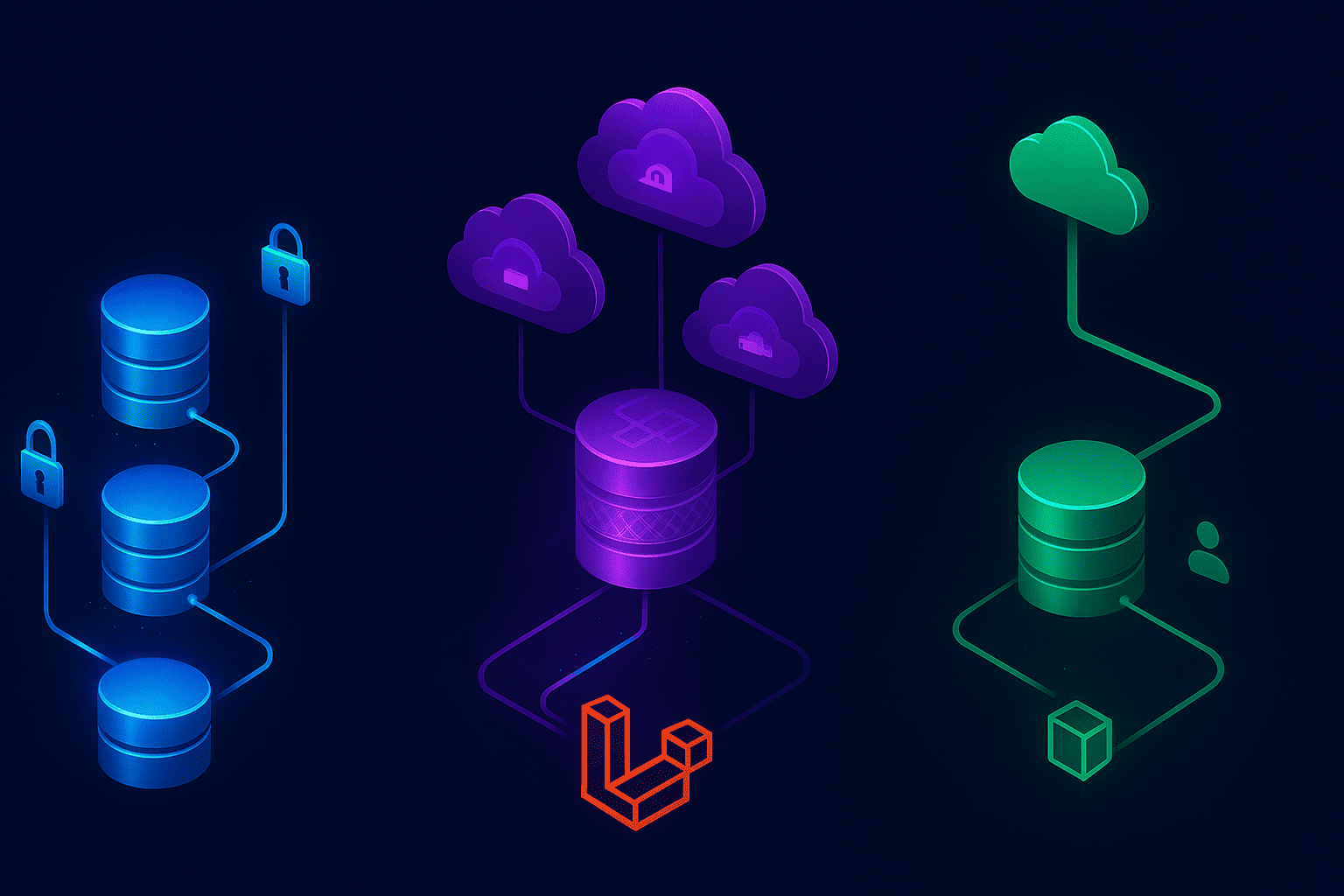
Building a SaaS product? You'll hit the multi-tenancy decision faster than you expect. I learned this the hard way scaling a client's edtech platform from 10 to 500+ schools. One client's data mixing with another's isn't just embarrassing -- it's a compliance nightmare and a potential lawsuit.
Multi-tenancy in Laravel means serving multiple customers (tenants) from a single application while keeping their data completely isolated. Think Shopify stores, where thousands of shops run on shared infrastructure but never see each other's orders. The architecture you pick now will determine how easily you scale later.
Here's the thing: there's no "best" approach. I've used all three patterns across different projects, and each time the decision came down to specific requirements. Let me show you what I've learned.
What Is Multi-Tenancy in Laravel?
Multi-tenancy is an architecture where a single application instance serves multiple customers. Each customer (tenant) gets their own isolated environment, but they're all running on shared infrastructure.
The key challenge? Data isolation. You need absolute certainty that Tenant A can never access Tenant B's data. Even a single breach destroys trust and can shut down your business.
Laravel doesn't have multi-tenancy built in, but the ecosystem offers solid solutions. The two most popular packages are Spatie's laravel-multitenancy and stancl/tenancy. Spatie gives you the bare essentials and lets you build on top. Stancl is more opinionated and handles more automatically. Both work well. But before you install anything, you need to understand which isolation strategy fits your needs.
If you're also evaluating which admin panel to pair with your multi-tenant app, Filament has built-in multi-tenancy support at the panel level, which can simplify things further.
The Three Multi-Tenancy Approaches
1. Database-Per-Tenant (Strong Isolation)
Each tenant gets their own database. Complete separation at the infrastructure level.
I implemented this for a healthcare SaaS where HIPAA compliance required absolute database isolation. Each clinic had a separate MySQL database, and there was zero chance of data leakage.
Pros: maximum security and isolation, easy per-tenant backup and restore, customisable schema per tenant, performance issues in one database don't affect others, simple tenant migration between servers.
Cons: high resource overhead (one database means one connection pool), complex migrations across every database, expensive at scale (100 tenants means 100 databases), cross-tenant reporting is painful, database connection limits hit faster.
2. Subdomain-Based Tenancy (Shared Database)
All tenants share one database, but each gets their own subdomain. You identify tenants by subdomain and filter all queries by tenant_id.
This is my go-to for 80% of projects. Each customer gets acme.yoursaas.com, and we filter queries by tenant_id. Works well up to thousands of tenants. If you want to see a working example of this approach from scratch, I built a full SaaS starter with Laravel and Filament using single-database tenant isolation.
Pros: cost-effective (single database), easy cross-tenant reporting, simpler infrastructure, fast tenant provisioning, professional appearance with custom domains.
Cons: must be meticulous with query scoping, one performance issue affects everyone, wildcard SSL certificate required, database size grows continuously, harder to provide tenant-specific customisation.
3. Path-Based Tenancy (Shared Everything)
Tenants are identified by URL path: yoursaas.com/tenant1, yoursaas.com/tenant2. Same database, same domain.
I built an automation dashboard for a client using this approach because their users didn't care about custom URLs. They wanted functionality, not branding.
Pros: simplest to implement, no SSL certificate complexity, single codebase and database, easy local development, cheapest infrastructure.
Cons: looks less professional, no custom domain support, same data isolation challenges as subdomains, can't easily separate tenants later, limited scaling options.
Implementing Database-Per-Tenant in Laravel
Let's start with the most isolated approach. You'll need a central database that tracks tenants, then dynamic connection switching.
Step 1: Set Up Central Database
// database/migrations/create_tenants_table.php
Schema::create('tenants', function (Blueprint $table) {
    $table->id();
    $table->string('name');
    $table->string('domain')->unique();
    $table->string('database')->unique();
    $table->timestamps();
});
Step 2: Configure Dynamic Database Connections
// config/database.php
'tenant' => [
    'driver' => 'mysql',
    'host' => env('DB_HOST', '127.0.0.1'),
    'port' => env('DB_PORT', '3306'),
    'database' => null, // Set dynamically per request
    'username' => env('DB_USERNAME', 'forge'),
    'password' => env('DB_PASSWORD', ''),
    'charset' => 'utf8mb4',
    'collation' => 'utf8mb4_unicode_ci',
    'prefix' => '',
    'strict' => true,
],
Step 3: Create Tenant Identification Middleware
// app/Http/Middleware/IdentifyTenant.php
class IdentifyTenant
{
    public function handle($request, Closure $next)
    {
        $domain = $request->getHost();
        $tenant = Tenant::where('domain', $domain)->firstOrFail();

        Config::set('database.connections.tenant.database', $tenant->database);
        DB::purge('tenant');
        DB::reconnect('tenant');
        DB::setDefaultConnection('tenant');

        $request->attributes->set('tenant', $tenant);

        return $next($request);
    }
}
Step 4: Register Middleware
In Laravel 11+, middleware is registered in bootstrap/app.php:
return Application::configure(basePath: dirname(__DIR__))
    ->withMiddleware(function (Middleware $middleware) {
        $middleware->web(append: [
            IdentifyTenant::class,
        ]);
    })
    ->create();
Step 5: Create Tenant Provisioning Command
// app/Console/Commands/CreateTenant.php
class CreateTenant extends Command
{
    protected $signature = 'tenant:create {name} {domain}';

    public function handle(): void
    {
        $dbName = 'tenant_' . Str::slug($this->argument('name'));

        DB::statement("CREATE DATABASE {$dbName}");

        $tenant = Tenant::create([
            'name' => $this->argument('name'),
            'domain' => $this->argument('domain'),
            'database' => $dbName,
        ]);

        // Run migrations on the new database
        Artisan::call('migrate', [
            '--database' => 'tenant',
            '--path' => 'database/migrations/tenant',
        ]);

        $this->info("Tenant {$tenant->name} created with database {$dbName}");
    }
}
Implementing Subdomain-Based Tenancy
This is what most SaaS products need. One database, scoped queries, branded subdomains.
Step 1: Create the Tenants Table
Schema::create('tenants', function (Blueprint $table) {
    $table->id();
    $table->string('name');
    $table->string('subdomain')->unique();
    $table->string('custom_domain')->nullable()->unique();
    $table->timestamps();
});
Step 2: Subdomain Route Group
// routes/web.php
Route::domain('{tenant}.yoursaas.com')
    ->middleware(['web', 'identify.tenant'])
    ->group(function () {
        Route::get('/dashboard', [DashboardController::class, 'index']);
        Route::resource('projects', ProjectController::class);
    });
Step 3: Identify Tenant from Subdomain
class IdentifyTenantBySubdomain
{
    public function handle($request, Closure $next)
    {
        $subdomain = $request->route('tenant');

        $tenant = Tenant::where('subdomain', $subdomain)
            ->orWhere('custom_domain', $request->getHost())
            ->firstOrFail();

        app()->instance('tenant', $tenant);

        return $next($request);
    }
}
Step 4: Add Global Scope to All Tenant Models
// app/Traits/BelongsToTenant.php
trait BelongsToTenant
{
    protected static function bootBelongsToTenant(): void
    {
        static::addGlobalScope('tenant', function (Builder $query) {
            if (app()->has('tenant')) {
                $query->where('tenant_id', app('tenant')->id);
            }
        });

        static::creating(function ($model) {
            if (app()->has('tenant') && empty($model->tenant_id)) {
                $model->tenant_id = app('tenant')->id;
            }
        });
    }
}
Apply it to every tenant-scoped model:
class Project extends Model
{
    use BelongsToTenant;
    // ...
}
Implementing Path-Based Tenancy
The simplest option. Good for internal tools where nobody cares about branded URLs.
// routes/web.php
Route::prefix('{tenant}')
    ->middleware(['web', 'identify.tenant'])
    ->group(function () {
        Route::get('/dashboard', [DashboardController::class, 'index']);
        Route::resource('projects', ProjectController::class);
    });
class IdentifyTenantByPath
{
    public function handle($request, Closure $next)
    {
        $slug = $request->route('tenant');
        $tenant = Tenant::where('slug', $slug)->firstOrFail();

        app()->instance('tenant', $tenant);

        return $next($request);
    }
}
Same global scope approach as subdomain tenancy. The only real difference is how you resolve the tenant -- from the URL path instead of the subdomain.
Which Strategy Is Right for Your Project?
After building multi-tenant SaaS across healthcare, edtech, and B2B tools, I've developed a clear decision framework. Answer these four questions and the right approach usually reveals itself:
Migration Paths Between Approaches
You're not locked into your initial choice. I've migrated projects between all three patterns.
From Path to Subdomain
Easiest migration. Update routing and add DNS and SSL:
// Before: yoursaas.com/tenant1
Route::prefix('{tenant}')->group(...)

// After: tenant1.yoursaas.com
Route::domain('{tenant}.yoursaas.com')->group(...)
No database changes needed. Just DNS records and a wildcard SSL certificate.
From Subdomain to Database-Per-Tenant
More complex. You need to create a database for each tenant, copy their data across, update tenant records with database names, switch the connection handling middleware, verify data integrity, and migrate tenants gradually rather than all at once.
This took me two weeks for a 100-tenant application, running migrations during low-traffic windows. Don't rush it.
From Database-Per-Tenant to Subdomain
Reverse process, but includes data consolidation. The migration script looks like this:
foreach ($tenants as $tenant) {
    DB::connection('tenant')->table('users')
        ->chunkById(100, function ($users) use ($tenant) {
            foreach ($users as $user) {
                DB::table('users')->insert([
                    ...(array)$user,
                    'tenant_id' => $tenant->id,
                ]);
            }
        });
}
Risky at scale. Test extensively before attempting in production.
Five Mistakes That Break Multi-Tenant Apps
I've made all of these at least once.
Forgetting Eager-Loaded Relationships
// This bypasses tenant scope on posts
$user = User::with('posts')->find($id);
The BelongsToTenant trait must be applied to every tenant-scoped model -- including related models. Forgetting one relationship is how data leaks happen.
Queue Jobs Without Tenant Context
Jobs run outside request context, so the tenant isn't automatically available. This is one of those bugs you won't catch until production. Pass the tenant ID explicitly:
class ProcessOrder implements ShouldQueue
{
    public function __construct(
        public int $orderId,
        public int $tenantId
    ) {}

    public function handle(): void
    {
        $tenant = Tenant::find($this->tenantId);
        app()->instance('tenant', $tenant);

        // Now your queries are properly scoped
        $order = Order::find($this->orderId);
    }
}
Spatie's package can make queued jobs tenant-aware automatically if you enable queues_are_tenant_aware_by_default. But I'd still recommend being explicit for critical jobs like payment processing. For more on building reliable queue systems, see my guide to processing 10,000 tasks without breaking.
Not Testing Cross-Tenant Isolation
Write this test and run it on every deployment:
public function test_tenant_cannot_access_other_tenant_data(): void
{
    $tenant1 = Tenant::factory()->create();
    $tenant2 = Tenant::factory()->create();

    app()->instance('tenant', $tenant1);
    User::factory()->create();

    app()->instance('tenant', $tenant2);
    $users = User::all();

    $this->assertCount(0, $users);
}
One failure shuts down the pipeline. Non-negotiable.
Not Planning for Data Exports
GDPR requires you provide tenant data exports. Plan for this early, not when a customer requests it:
public function handle(): void
{
    $tenant = Tenant::where('domain', $this->argument('domain'))->first();
    app()->instance('tenant', $tenant);

    $data = [
        'users' => User::all(),
        'projects' => Project::all(),
    ];

    Storage::put("exports/{$tenant->id}.json", json_encode($data));
}
Using UUID Primary Keys Without Thinking It Through
UUIDs prevent auto-increment ID exposure between tenants, but they come with tradeoffs: larger index sizes, slower joins. I use UUIDs only when tenant-facing URLs include IDs. For internal references, auto-increment is faster. If you need to generate them for testing, a UUID generator saves time creating test fixtures.
Frequently Asked Questions
Which multi-tenancy approach is best for a first SaaS?
Start with subdomain-based tenancy using a shared database. It's the best balance of cost, simplicity, and scalability. You can handle thousands of tenants on a single database if you index properly, and the migration path to database-per-tenant is straightforward when you actually need it.
Should I use Spatie or stancl/tenancy?
Both are solid. Spatie gives you minimal scaffolding and lets you build on top -- more control, more code. Stancl handles more automatically (database switching, cache separation, queue awareness) out of the box. I reach for Spatie when I want full control, stancl when I want to move fast.
How do I handle Stripe billing with multi-tenancy?
Make the Tenant model Billable instead of the User model. Each tenant gets its own Stripe customer, subscriptions, and invoices. This way billing is tied to the organisation, not individual users. I covered this in detail in my Stripe integration guide.
Can I use Filament with multi-tenancy?
Yes. Filament has built-in multi-tenancy at the panel level. Scope an entire admin panel to a tenant with ->tenant(Team::class) in your panel provider. It handles resource scoping, navigation, and tenant switching automatically. Pairs well with either Spatie or stancl packages.
What happens if a global scope accidentally gets bypassed?
A data leak. That's why automated isolation tests on every deployment are non-negotiable. Also add a CI check that scans for withoutGlobalScopes() calls outside admin controllers, so you catch accidental bypasses before they ship.
What's Next?
Multi-tenancy isn't one-size-fits-all. I've used database-per-tenant for healthcare apps, subdomain-based for standard SaaS, and path-based for internal tools. Each choice was right for its context.
The decision wizard above will point you in the right direction. But the critical part regardless of which approach you pick? Test your tenant isolation religiously. Write automated tests, conduct security audits, never assume your scoping is bulletproof. One data leak can destroy your business.
Next steps: install Spatie's multitenancy package, scaffold your tenant model, and build a simple proof-of-concept. Get the isolation working correctly before adding features.
Building a multi-tenant SaaS in Laravel and need a developer who's done this before? Let's talk

About Hafiz
Senior Full Stack Developer. I build production software with Laravel, Filament, Vue, and AI integrations, and write about the real decisions behind shipping it.
Get in touch →Get web development tips via email
Join 50+ developers • No spam • Unsubscribe anytime
Related Articles

Multi-Tenancy + Queues: The Three Bugs Every Laravel SaaS Hits in Its First Year
Three queue bugs that hit every multi-tenant Laravel SaaS in its first year, and...

Filament v5 Multi-Tenancy: The Complete Implementation Guide
Filament has built-in multi-tenancy that most developers never configure. Here i...

Spatie Permission vs Bouncer: One Question Decides Which One You Need
Spatie handles permissions on kinds of things. Bouncer handles them on particula...