Passkeys in Laravel: What They Are and How to Get Started
Passkeys are replacing passwords across major platforms, and Laravel developers need to pay attention. This guide explains what passkeys are, why 2026 is the tipping point for adoption, and how to get started with spatie/laravel-passkeys in your Laravel 12 application.
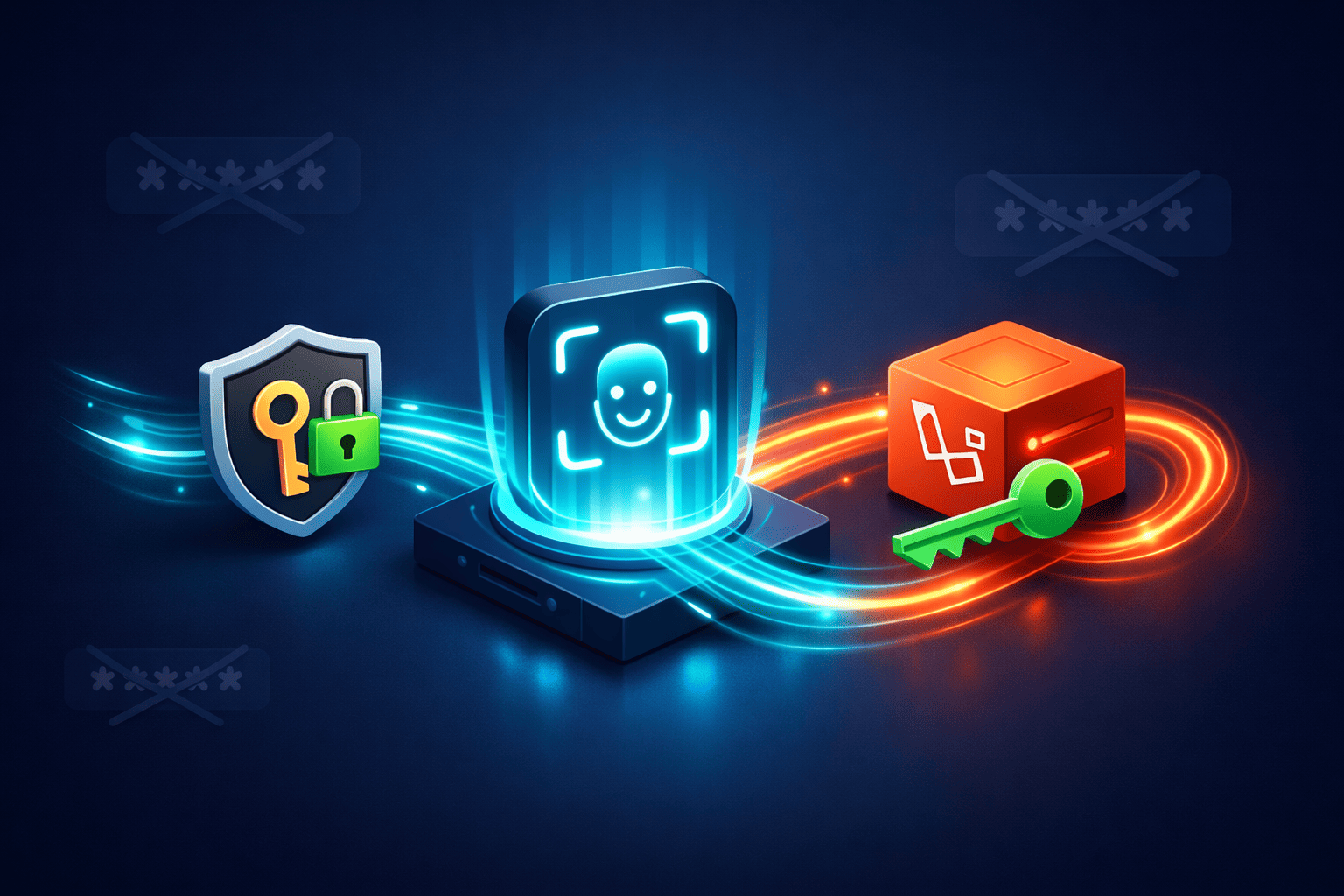
If you've logged into Google, GitHub, or Amazon recently, you may have noticed something different. Instead of typing your password, your browser asked you to use your fingerprint, Face ID, or a PIN. That's a passkey in action.
I've been watching passkey adoption accelerate throughout 2025, and the numbers are hard to ignore. Microsoft made passkeys the default for new accounts in May 2025. Google reports over 800 million accounts now use them. Amazon saw 175 million users create passkeys in their first year of offering them. The FIDO Alliance estimates more than a billion people have activated at least one passkey.
For those of us building Laravel applications, this shift matters. Our users are getting used to passwordless login on major platforms, and they'll start expecting the same from the SaaS products we build. I've been exploring how to add passkey support to my own projects like StudyLab, and I want to share what I've learned about getting started.
What Exactly Are Passkeys?
Passkeys replace passwords with cryptographic key pairs. When you register a passkey, your device generates two keys: a private key that stays on your device (or syncs via iCloud Keychain, Google Password Manager, or 1Password), and a public key that gets stored on the server.
When you log in, the server sends a challenge. Your device signs that challenge with the private key, and the server verifies the signature using the public key. Your actual credentials never leave your device and never travel over the network.
This approach solves several problems that plague traditional passwords:
Phishing resistance. Passkeys are bound to specific domains. If someone tricks you into visiting a fake banking site, your passkey won't work there because the domain doesn't match. The cryptographic binding makes credential theft through fake login pages nearly impossible.
No shared secrets. With passwords, both you and the server know the secret. Database breaches expose password hashes that attackers can crack. With passkeys, the server only stores public keys. Even if attackers steal your entire database, they can't use those public keys to authenticate.
Better user experience. FIDO Alliance data shows passkey logins achieve 93% success rates compared to 63% for password-based methods. Average login time drops from over 30 seconds (with SMS verification) to about 8 seconds.
Why 2026 Is the Year to Pay Attention
The regulatory landscape is shifting fast. The UAE mandated that all financial institutions eliminate SMS and email OTPs by March 2026. India follows in April 2026. The Philippines has a June 2026 deadline. Even in the US, NIST's updated authentication guidelines now require phishing resistant options for multi factor authentication.
Beyond regulation, the business case is compelling. Companies using passkeys report 81% fewer login related help desk tickets. No more password reset requests. No more account lockouts. For a SaaS product handling thousands of users, that translates to real cost savings.
Consumer awareness has jumped from 39% to 57% since 2022. Over 95% of iOS and Android devices are passkey ready. The infrastructure exists. The standards are mature. The question isn't whether to implement passkeys, but when.
The Laravel Passkey Ecosystem
Two main packages dominate the Laravel passkey space:
spatie/laravel-passkeys is the more straightforward option. It requires Laravel 11+ and PHP 8.2+, ships with Livewire components out of the box, and can also work with Inertia if you're using Vue or React. Spatie uses this package in production for Mailcoach, so it's battle-tested.
laragear/webauthn offers more flexibility for API-first applications. It works with Laravel 11+ and gives you finer control over the WebAuthn flow, but requires more manual setup.
For this guide, I'll focus on spatie/laravel-passkeys because it gets you up and running faster with less boilerplate.
Getting Started with spatie/laravel-passkeys
Let's walk through a basic implementation. I'll assume you have a fresh Laravel 12 application with Livewire already installed.
Installation
Start by pulling in the package:
composer require spatie/laravel-passkeys
Publish and run the migrations:
php artisan vendor:publish --tag="passkeys-migrations"
php artisan migrate
This creates a passkeys table that stores the public keys and metadata for each registered passkey.
Preparing Your User Model
Add the necessary trait and interface to your User model:
<?php

namespace App\Models;

use Illuminate\Foundation\Auth\User as Authenticatable;
use Spatie\LaravelPasskeys\Models\Concerns\HasPasskeys;
use Spatie\LaravelPasskeys\Models\Concerns\InteractsWithPasskeys;

class User extends Authenticatable implements HasPasskeys
{
    use InteractsWithPasskeys;

    // Your existing model code...
}
Installing Frontend Dependencies
The package uses SimpleWebAuthn for browser-side WebAuthn operations:
npm install @simplewebauthn/browser
npm run build
Adding Passkey Registration
Users need a way to register passkeys after they've logged in with their password. Add the Livewire component to your dashboard or profile page:
<x-passkeys::register />
That's it. The component handles the entire registration flow: generating the challenge, prompting the user's authenticator, and storing the resulting public key.
You can customize the button text and styling by publishing the views:
php artisan vendor:publish --tag="passkeys-views"
Adding Passkey Authentication
On your login page, add the authentication component alongside your regular login form:
<div class="space-y-6">
    {{-- Regular login form --}}
    <form method="POST" action="{{ route('login') }}">
        @csrf
        <input type="email" name="email" placeholder="Email">
        <input type="password" name="password" placeholder="Password">
        <button type="submit">Log in</button>
    </form>

    {{-- Passkey login option --}}
    <div class="text-center">
        <span class="text-gray-500">or</span>
    </div>

    <x-passkeys::authenticate />
</div>
When users click the passkey button, their password manager (1Password, iCloud Keychain, etc.) will prompt them to select a passkey. If verification succeeds, they're logged in and redirected to your dashboard.
Configuration Options
Publish the config file to customize behavior:
php artisan vendor:publish --tag="passkeys-config"
Key options in config/passkeys.php:
return [
    // Where to redirect after successful passkey login
    'redirect_to_after_login' => '/dashboard',

    // The relying party settings (usually your app domain)
    'relying_party' => [
        'name' => config('app.name'),
        'id' => parse_url(config('app.url'), PHP_URL_HOST),
    ],

    // Customize the passkey and user models if needed
    'models' => [
        'passkey' => Spatie\LaravelPasskeys\Models\Passkey::class,
        'authenticatable' => App\Models\User::class,
    ],
];
Working with Inertia (Vue or React)
If you're not using Livewire, you can still use the package. Spatie provides action classes that handle the server-side logic. You'll need to build your own frontend components.
Here's a simplified Vue 3 example for registration:
<script setup>
import { ref } from 'vue'
import { startRegistration } from '@simplewebauthn/browser'
import axios from 'axios'

const registering = ref(false)
const error = ref(null)

async function registerPasskey() {
    registering.value = true
    error.value = null

    try {
        // Get registration options from your Laravel backend
        const optionsResponse = await axios.get('/passkeys/register-options')

        // Prompt the user's authenticator
        const attestation = await startRegistration(optionsResponse.data)

        // Send the attestation back to verify and store
        await axios.post('/passkeys/register', attestation)

        // Success - maybe show a toast or refresh the passkey list
    } catch (e) {
        error.value = e.message
    } finally {
        registering.value = false
    }
}
</script>

<template>
    <button @click="registerPasskey" :disabled="registering">
        {{ registering ? 'Registering...' : 'Add Passkey' }}
    </button>
    <p v-if="error" class="text-red-500">{{ error }}</p>
</template>
Check the Spatie documentation on Inertia usage for complete implementation details.
Important Considerations
Before rolling out passkeys, keep these factors in mind:
HTTPS is required. WebAuthn only works over secure connections. This isn't a problem for production, but you'll need to configure HTTPS for local development. Laravel Valet handles this automatically with valet secure. If you're using Sail, you'll need to set up SSL certificates.
Not everyone has a passkey-capable device. While over 90% of modern devices support passkeys, some users may be on older hardware. Always keep password authentication as a fallback. Passkeys should be an addition to your auth options, not a replacement (at least for now).
Account recovery needs thought. If a user loses all their devices, how do they regain access? Email-based recovery, backup codes, or admin intervention are common approaches. The package doesn't handle recovery out of the box, so you'll need to build this flow yourself.
Multiple passkeys per user. Users often want to register passkeys on multiple devices. The package supports this by default. Consider adding a UI where users can view and revoke their registered passkeys.
When Should You Add Passkeys to Your SaaS?
I'm planning to add passkey support to StudyLab in the coming weeks. For a SaaS with a few hundred schools using the platform, reducing password related support requests would save significant time.
Consider implementing passkeys if:
- Your users log in frequently (daily active users benefit most)
- You're in a security sensitive industry (finance, healthcare, education)
- You want to reduce support overhead from password resets
- You're building a new product and can design with passkeys from the start
For MVPs and early stage products, traditional password auth with optional 2FA is still fine. But as your product matures and user base grows, passkeys become increasingly attractive.
What's Next
This guide covers the basics, but there's more to explore:
- Conditional UI lets the browser auto-suggest passkeys when users focus the email field
- Cross-device authentication allows users to scan a QR code with their phone to log in on a desktop
- Managing passkeys with a user interface for viewing and revoking registered credentials
I'll be writing about my experience implementing passkeys in a real production app once I've gone through the process myself. For now, I wanted to share what I've learned from research and experimentation.
If you're curious about the underlying WebAuthn standard, the Spatie documentation is excellent. There's also a Laracasts course by Luke Downing that goes deep on the implementation.

About Hafiz
Senior Full Stack Developer. I build production software with Laravel, Filament, Vue, and AI integrations, and write about the real decisions behind shipping it.
Get in touch →Get web development tips via email
Join 50+ developers • No spam • Unsubscribe anytime
Related Articles
Filament 5.10 Security Fixes: The Livewire Scope Gap Your Upgrade Doesn't Close
Filament fixed four security advisories in 5.10. Upgrading closes most of them,...

Laravel AI SDK Skills: Load Agent Instructions Only When They're Needed
Agent skills landed in Laravel AI SDK v1.1.0. Here is how LoadSkill works, and h...
How I Set Up Encrypted Off-Site Backups for My MacBook With restic and Backblaze B2
My Mac had zero backups. Now it has encrypted daily snapshots on Backblaze B2 fo...